
Searching Cases by Name
Begin with the official Sutton County Judicial Records Search page. That page splits its records into two blocks rather than hosting one name form. County Court handles civil, probate, misdemeanor, and related records. District Court takes felony, family, district civil, probate, juvenile, and child-protection matters. From there, each block routes into the vendor portal. The portal's live screens do not always show the same filter labels, so a name field you expect may come and go.
- Identify the court from a notice, citation, prior paper, or case type before entering a name.
- Open the County Court or District Court block on the official county map, then follow its linked portal for 1992-present records.
- If the live interface offers name fields, enter the party's legal name and use only the filters the screen actually provides. Narrow by court or case type before treating a common-name match as the same person.
- Compare the cause number and court label with a county docket PDF or calendar, then request the precise filed document when the result alone is not enough.
The county page itself only presents the court choice and coverage statement. So treat confirmed request fields from the clerk as one thing, and portal controls as another that must be checked live.
| Field Label | Type | Required | Notes |
|---|---|---|---|
| Party name | Live portal text field, if offered | No confirmed rule | Use the legal name and verify all matching case details. |
| Cause number | Identifier | Best search key | Enter every letter, digit, and court-code segment exactly. |
| Court block | County-page link choice | Yes for routing | Select County Court or District Court before following the portal link. |
| Case type and file date | Clerk request fields | When requesting | Confirmed on the judicial-record request form, not as stable vendor filters. |
Sutton County's Two Search Blocks
The map matters because one combined clerk office serves two courts under separate IDs. Office ID 63 is tied to County Court. Office ID 64 belongs to District Court. Both office links land on the same generic TexasOnlineRecords page. That page keeps no memory of which court you came from. The official map source shows that court split clearly. So let the county page, not the vendor landing, tell you which block you are in.
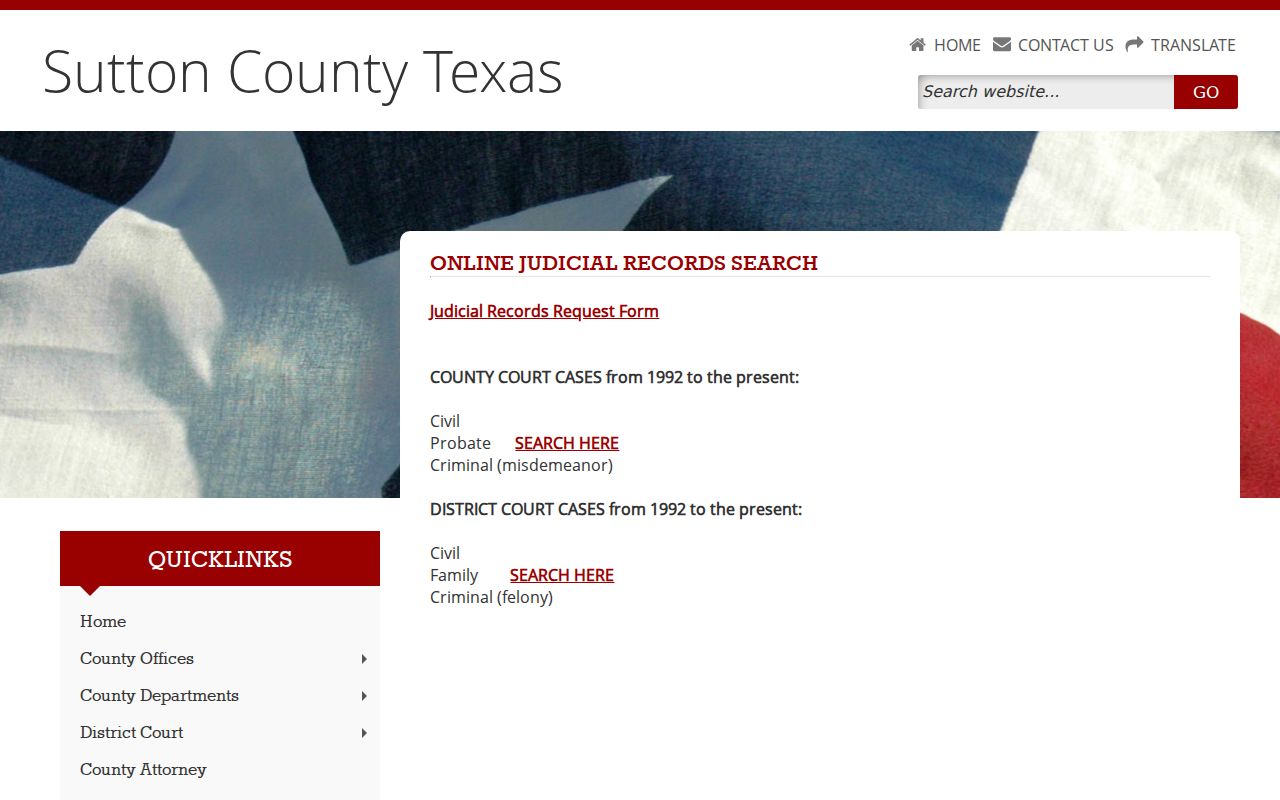
The split keeps a felony search from looking like a constitutional County Court lookup just because one clerk serves both routes.
Searching by Case Number
An exact cause number is the best key for a Sutton County search. Current public criminal lists use formats like YY-218-DCCR-##### for District Court criminal matters. YY-218-CCCR-##### marks County Court criminal matters. The opening segment resembles a year. 218 is a local segment. DCCR or CCCR marks the court-record format, and the final digits run the sequence. Older cases may carry plain numeric causes instead.
These segments route a search. They prove nothing about guilt, final outcome, or whether a case is still open. Type the printed number exactly as it appears before guessing at variations. If it fails, verify the court and the year rather than the abbreviation. For anything before June 1992, skip ordinary online coverage. Ask the combined clerk about the in-person or older-record route.
Sutton County's Vendor Redirect Explained
The TexasOnlineRecords destination belongs to a court-linked vendor, not the county. Its office-specific links open a generic landing page. That does not undo the county's stated 1992-present online route. It does mean you should hold onto your chosen court and office ID as you search, and return to the county map whenever the vendor page stops saying Sutton County plainly.
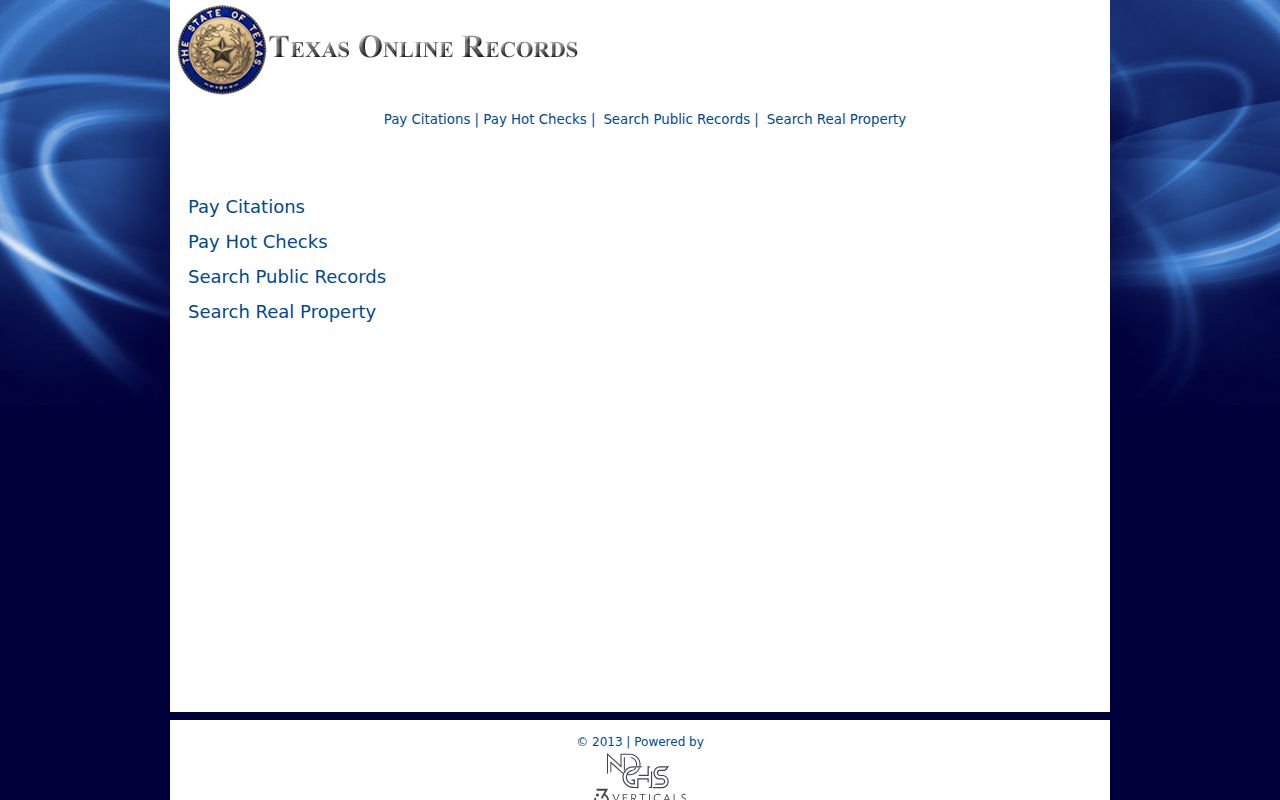
A generic landing screen shows why a vendor page alone cannot prove a result belongs to the right Sutton County court.
What a Case Search Returns
What a search actually returns comes from Sutton County docket PDFs and the clerk's request form. It does not come from a vendor detail screen. A district list can show the court, case number, party, attorney or bondsman, offense date, action, offense, an interpreter field, and bond type. County criminal and traffic lists use much the same fields. Civil cases look different. Do not read civil details out of the criminal sheets. The civil PDFs do not always open.
| Case Number | The cause identifier, including formats such as YY-218-DCCR-##### and legacy numeric causes. |
|---|---|
| Style / Parties | The formal caption or party field used to distinguish similar name results. |
| Case Type | The court and matter category, such as district felony, county misdemeanor, civil, family, probate, traffic, or juvenile. |
| Filed Date | A clerk request field that helps locate the file; it may differ from the hearing or offense date. |
| Status or Action | An event such as pre-trial, plea, status, sentencing, or reset; it is not necessarily a full disposition. |
A public list stops short of a full finance ledger, document links, cross-references, or a complete outcome field. For the pleading, order, judgment, or certified copy, use the combined clerk's current form.
Sutton County Court-Level Checks
Still unsure which court level a case sits in? The Texas Judicial Directory offers an official statewide route for finding the court. Its landing page opens onto current court categories and directory material.
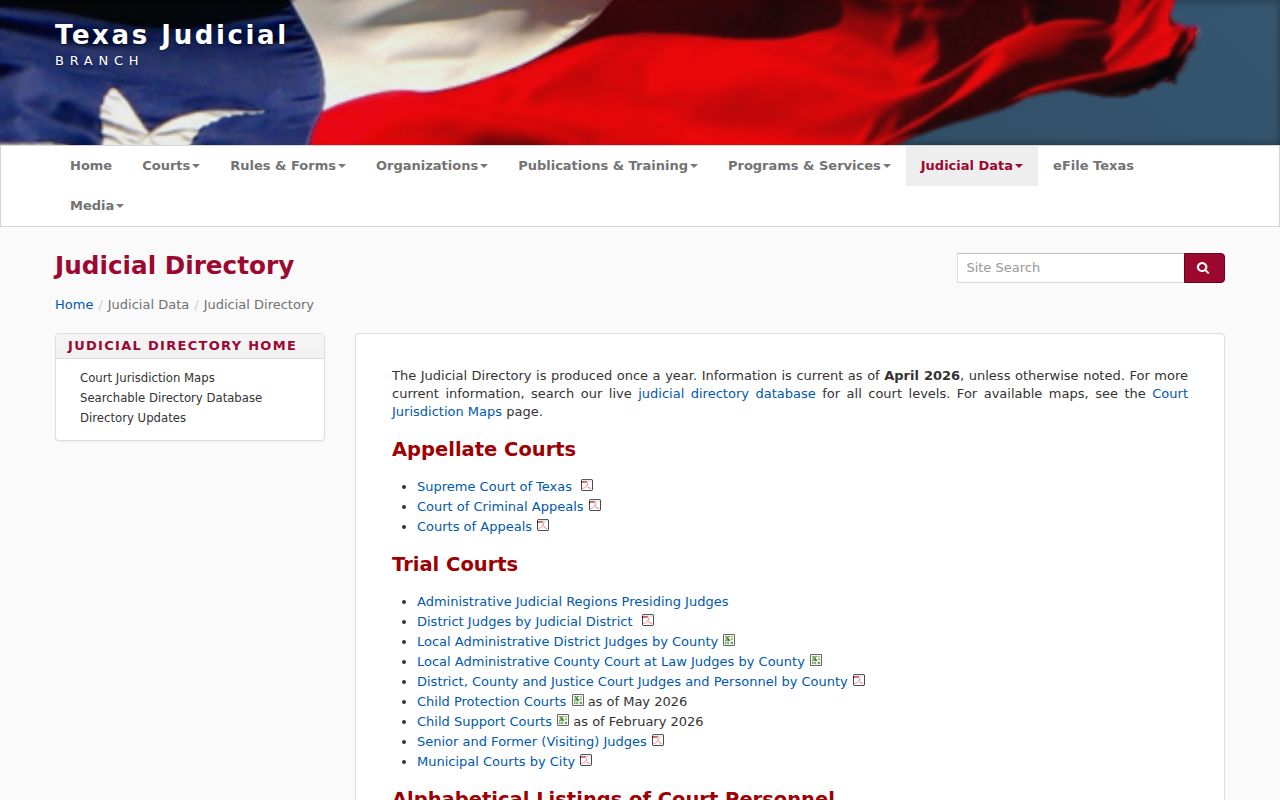
The directory confirms that Sutton County runs the 112th District Court, a constitutional County Court, Justice Court, and Sonora Municipal Court rather than one universal search office. The live court directory search adds filters for county, court type, city, region, and sorting.
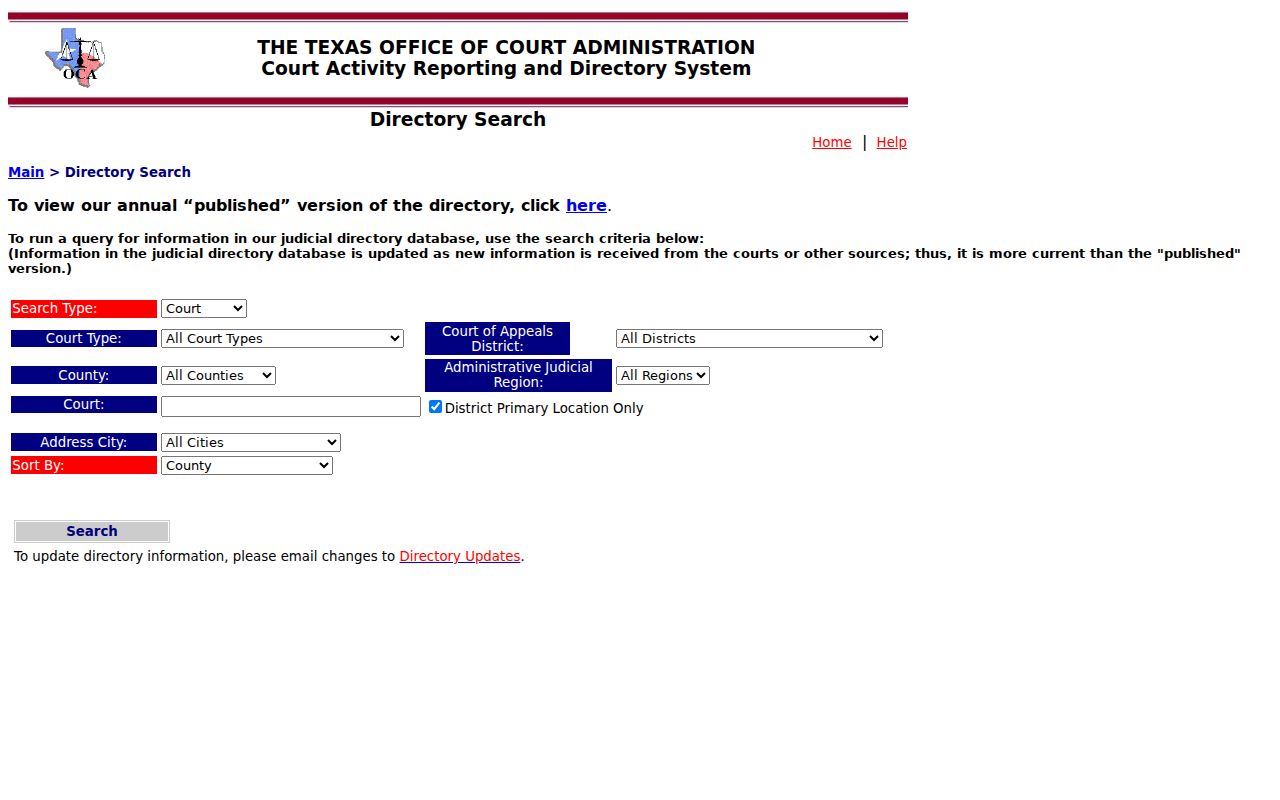
Those filters find the responsible court and its current contact. They do not search parties or replace the court's own case docket.
Statewide vs County Case Search
Sutton County names re:SearchTX as its statewide access layer and keeps local County Court and District Court searches on its own map. The state portal gates its entry, so availability, account options, document depth, and current fields should be checked in a normal browser session. eFileTexas is a filing system. It is not a free public name-search substitute.
| Statewide Portal | Sutton County Portal |
|---|---|
| re:SearchTX covers participating Texas court records and may help when the county is uncertain. | The county map routes directly by County Court or District Court function. |
| Access, registration, and result depth depend on the live statewide service. | Local coverage is stated for 1992-present, with older records routed to the clerk. |
| Best for a state-level cross-check or a case that may be outside Sutton County. | Best for a known Sutton County case whose court level can be identified. |
The official re:SearchTX entry remains the state source, even though its access controls turn away automated tools.
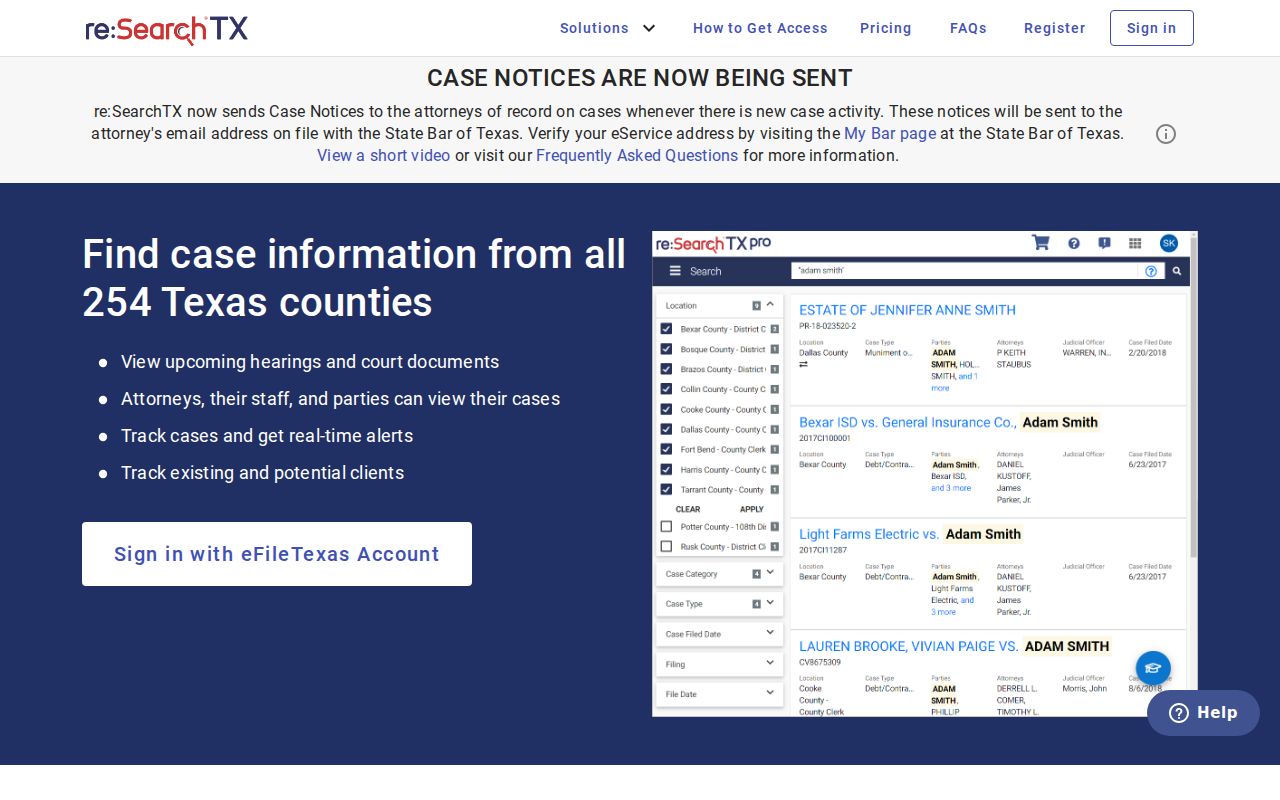
Work from the official URL, and keep the local clerk and docket-list fallback ready whenever access fails.
Sutton County's 1992 Search Boundary
Old Sutton County files hit a wall at 1992. The County Clerk says records from before that year are not digitized, or not fully digitized. The current request form warns against entering a file date earlier than June 1992. Those are two versions of the same limit, not perfectly matched cutoffs. A stubborn older docket may take an in-person search at the Sutton County Annex, 300 E Oak, Suite 3, Sonora. A clerk-directed older-record request is the other route.
Weekday hours run 8:30 a.m. to 4:30 p.m., and the office stays open through lunch. The phone number is 325-387-3815. Email goes to county.district_clerk@co.sutton.tx.us. Staff will not run civil or criminal docket searches over the phone. Call for routing, procedure, or fee confirmation instead. Then submit the proper form with a cause number, document title, case type, party roles, and an approximate file date.
Sutton County State Cases Versus PACER
PACER lives in a separate federal world. The Northern District of Texas venue locator places Sutton County in the San Angelo Division. But a Sutton DCCR or CCCR cause number is a state record, and it will never work as a federal search key. Save PACER for truly federal matters. When you use it, note the district, division, federal case number, and party. Also note the docket-entry date and document number. The official PACER entry point offers federal case access and account information.
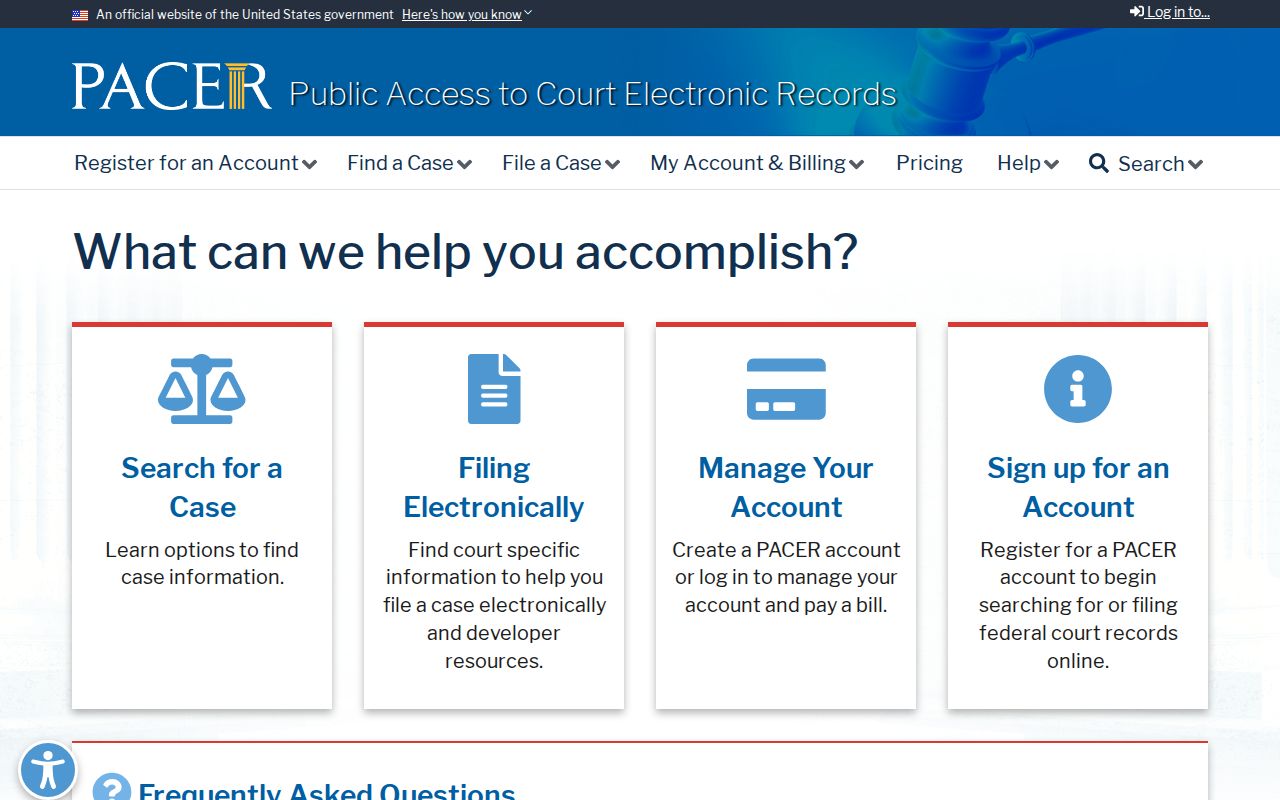
Don't mix this federal route up with nearby systems. Re:SearchTX, the Sutton County vendor links, and the Fourth Court of Appeals for Texas handle state appeals, not federal filings.
Access and Restricted Cases
An empty result in a Sutton County docket search proves nothing. The case may predate online coverage. It may sit in JP or municipal court. It could miss that day's docket list, await digitization, or belong to another court entirely. It could also be sealed or protected. Juvenile files, some family and mental-health matters, adoptions, expunction or nondisclosure material, and protected identifying details all face special limits.
Texas treats judicial case records differently from ordinary agency requests under the Texas Public Information Act. Government Code §552.0035 addresses that treatment of the judiciary. Access instead follows Texas Rule of Judicial Administration 12, statutes, common law, court rules, and court orders. Rule 76a adds an open-record presumption for civil court records. It also sets a sealing standard, still subject to other confidentiality law.
Ask the responsible office whether you need a party request, a court order, or a statutory showing. You may just need a different window. Never try to slip past a restriction. The current form covers plain and certified copies of an available document. Certified copies can't be emailed. The broader Sutton County court records process shows how a located docket entry turns into a document request.