
The Sutton County Court Calendar
Sutton County maintains two official calendar interfaces. One serves the constitutional County Court, and the other serves the 112th District Court. The County Court page states that hearings normally fall on the third Wednesday of each month. Its controls offer Day, Week, Month, and Agenda views. Month-to-month movement, category filtering, printing to PDF, and copying iCal or RSS export data round out the toolbar. The District Court calendar works much the same way. It splits Civil Docket Call from Criminal Docket Call. Neither interface offers a stable case-by-case event table. For the court name, cause number, judicial officer line, hearing time, and action, the dated Sutton County docket PDFs still matter most. A calendar view answers one question and a dated list answers another. Neither replaces confirmation from the court itself.
Sutton County Court's Third-Wednesday Rhythm
That third-Wednesday rhythm is a planning clue. It is not a promise for County Court matters, criminal or traffic alike. One holiday, reset, order, cancellation notice, or special setting can shift the real schedule. So read the Sutton County court calendar entry tied to the case. Use its docket list too. Do not count Wednesdays yourself. The official County Court calendar shows how the county presents those dates online. The source page for the County Court calendar names the court behind the interface. That matters before anyone relies on an export.
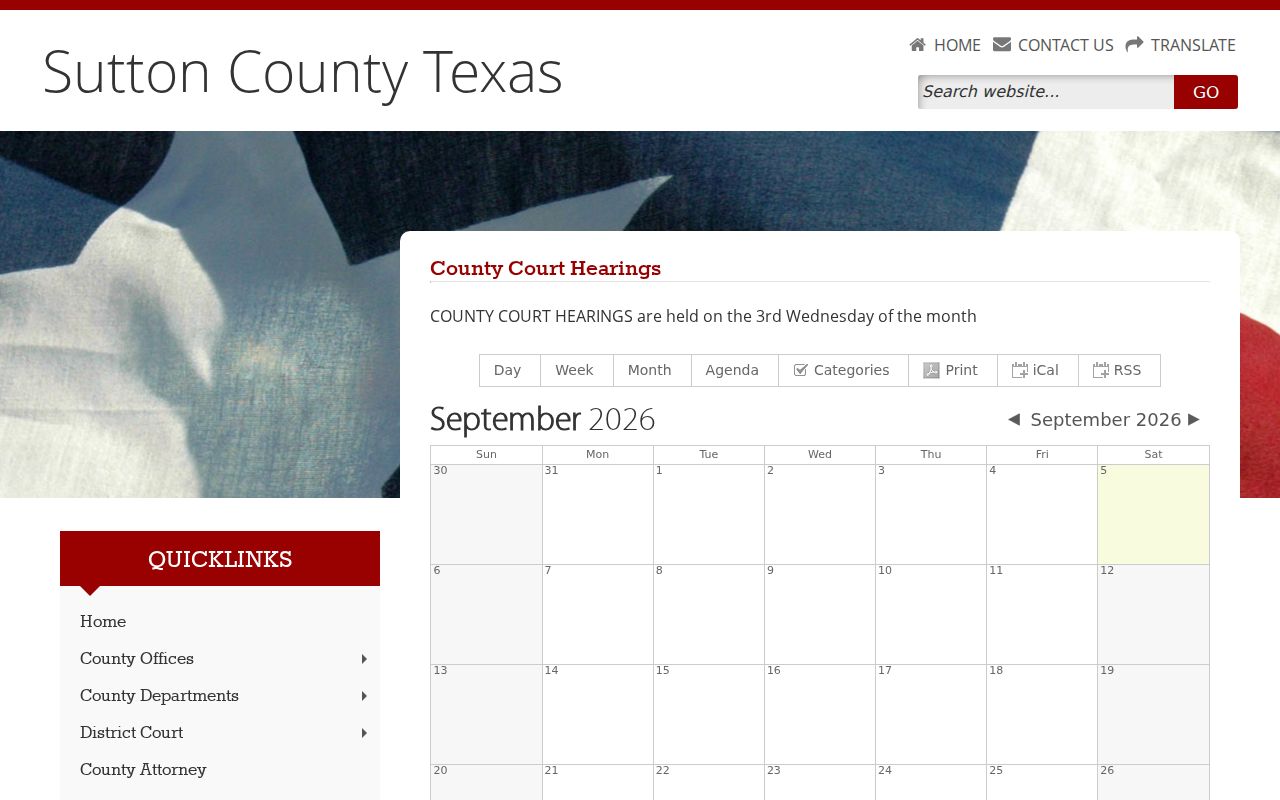
This view helps separate the County Court schedule from the district court's distinct civil and criminal docket calls.
How to Find Your Court Date
Start with the court printed on your notice, citation, pleading, or last docket entry. Sutton County splits its records among several custodians, so no single countywide month view can answer every date question. Keep the exact cause number and case style close at hand as you work through each channel.
- Open the county's calendar or current docket list. Use the County Court calendar for constitutional County Court matters and the District Court calendar or District Clerk docket list for 112th District Court matters.
- For a case from 1992 forward, check the official Judicial Records Search map or re:SearchTX and search by the exact cause number when possible. A name search may be available when the live interface loads.
- Compare the result with the dated PDF. Record the court label, cause number, date, time, and action together, then check any posted cancellation or reset notice.
- Call the combined Sutton County & District Clerk at 325-387-3815 for routing or a question, or visit the Annex counter at 300 E Oak, Suite 3, Sonora, weekdays from 8:30 a.m. to 4:30 p.m. The County Clerk does not perform civil or criminal searches by phone.
- For a district setting request, follow the local rules and contact the Court Administrator in Ozona at 325-392-5225. Also confirm the date through the party's lawyer when one is involved.
- Use the JP office or county-linked citation service for Justice Court matters and the Sonora Municipal Court contact for city cases. No stable daily printed courthouse calendar or public municipal calendar was documented, so ask the responsible court what is posted at the counter.
Sutton County Civil and Criminal Docket Calls
A docket call is a group calendar event. The court takes up many cases at once, checking readiness, status, or the next setting. It is not a trial. On the District Court calendar for Sutton County, Civil Docket Call and Criminal Docket Call sit in their own categories. Check the selected category before assuming an event vanished. The official district calendar source shows those category controls and export choices.
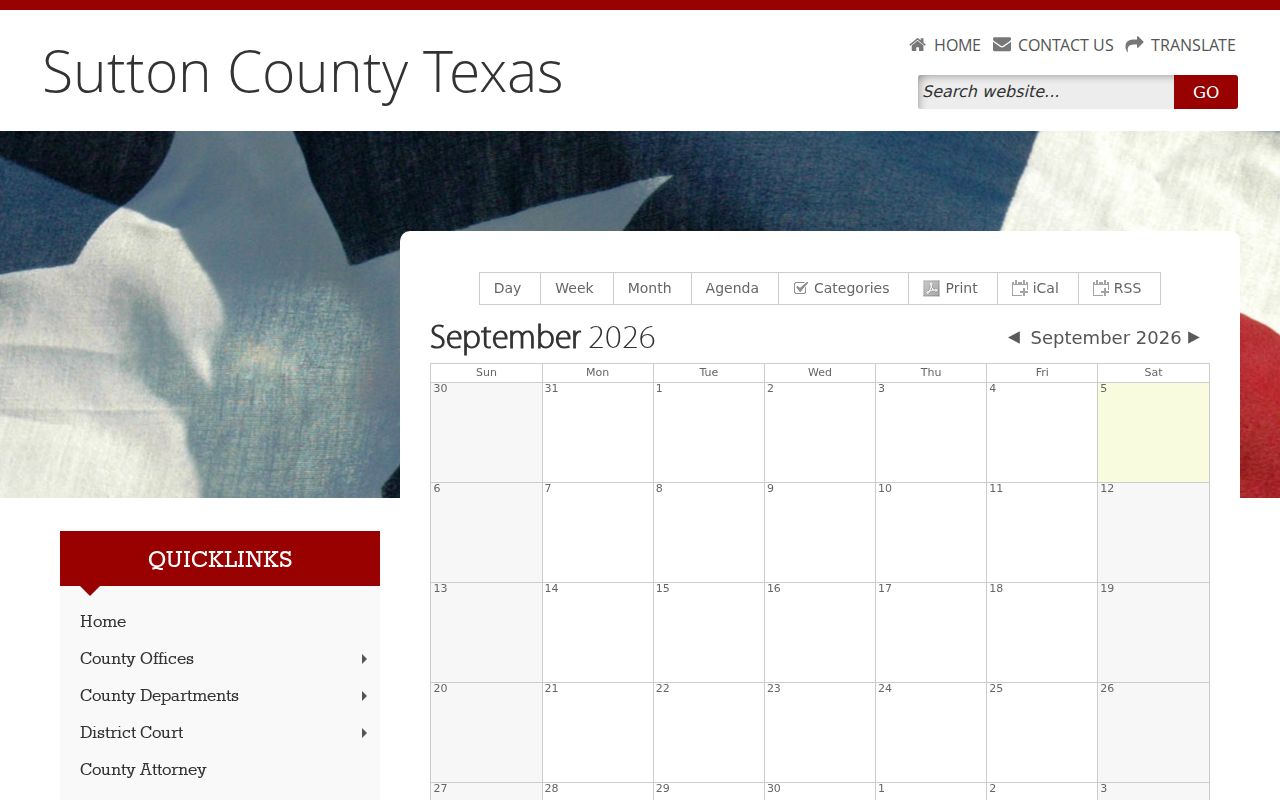
The two filters mark separate calendar tracks inside the 112th District Court. They are not two clerk addresses in Sutton County.
Reading a Court Setting
Read any Sutton County setting as linked fields, not one line. The district criminal sample carries an “Upcoming Court Dates” header and a 10:00 a.m. start, while the County Court criminal and traffic samples list a date and time too. Expect action labels such as arraignment, pre-trial, plea, status, sentencing, adjudication, revoke, and early termination. Each label names an event. None of them tells you the final outcome.
| Date | The scheduled calendar date shown for the event; compare it with later reset or cancellation notices. |
|---|---|
| Time | The listed start, which may be a group docket-call time rather than an individual appointment. |
| Courtroom | No stable courtroom number was documented; confirm the room or remote instructions with the responsible court. |
| Judge | The judicial officer or court line on the list; verify current personnel through the official directory. |
| Setting Type | The event purpose, such as docket call, arraignment, pre-trial, plea, status, motion, sentencing, or trial. |
Sutton County Settings Route Through Ozona
The records counter sits in Sonora, yet the 112th District Court's setting procedure points elsewhere. Local Rule 1.10 points parties to Ozona. They must call the Court Administrator before sending any motion or order to set a matter. Civil final hearings and motions for summary judgment must still be held in the county. Under Local Rule 1.11, a written setting request goes to the administrator rather than the Sutton clerk. That request should give the case style, case number, county, attorney name, address, phone number, and represented party. The posted rule lists historical staff names. Treat it as procedure. Verify current personnel through the state judicial directory. This split explains the division of labor. Pam Thorp's combined clerk office can hand you the case file. The district administrator handles scheduling.
Resets, Continuances, and Cancellations
A reset gives a case a new date. A continuance is a postponement the court authorizes. A cancellation notice removes or changes a listed event without deciding anything on the merits. Sutton County has posted reset, cancellation, suppression, and Zoom-related docket notices at various times. The county offers no permanent remote-hearing protocol. There is no recording archive either. Suppose the sources disagree. An exported iCal item, a printed PDF, a portal result, and the current county page can conflict. Treat the newest official information as a lead, then contact the court. An export freezes what the calendar showed when copied. It will not update every saved copy, and it is not a certified record. And never read a vanished entry as proof that no appearance is required.
Sutton County Calendar Exports and Limits
Both of the local calendar views offer a few handy ways to save a schedule. Narrow a busy month with the Day or Agenda view. Print it to PDF if you want a copy. Or pull the iCal and RSS feeds into another reader. Treat all of it as convenience, nothing more. An export cannot prove a notice was legally served. It also cannot show that a continuance was granted, or that an entry stayed current after the source changed.
- Print to PDF
- A static copy of the visible calendar view at the time it was printed.
- iCal export
- Calendar data copied for import into a compatible personal calendar.
- RSS export
- A feed format offered by the county calendar interface for updates or reading.
- Docket PDF
- A dated court list with case and action detail that may exceed the broad calendar view.
When Sutton County Dates Do Not Match
Start by confirming both items belong to the same court. A County Court traffic list, a District Criminal Docket Call, a Justice Court citation, and a Sonora city case can all sit at different dates on the same day. Compare the cause number and the event type next. One portal may show full case history while a PDF covers a single day's setting. Neither may reflect a very recent order. The Sutton County case search helps confirm case identity. Still, the operative date needs the responsible court or counsel. Ask point blank whether the old setting was reset, continued, canceled, or replaced. When the clerk cannot run a phone search, hand over the cause number. Then ask for the right form or court contact instead of a broad name lookup.
What To Do If You Miss a Setting
Move fast. Call the responsible court and any lawyer on the case, give the exact cause number, and ask what the docket shows now. In a 112th District Court matter, check whether the Ozona administrator must handle the new setting. For County Court, JP, or Sonora Municipal Court matters, contact that court directly. Never assume the combined clerk controls every lower-court calendar.
Missed a setting? A missed date can produce serious case-specific consequences, so do not wait for a calendar entry to change.
Contact the court or your attorney at once, ask whether an order or warrant issued, and follow the court's instructions.
A licensed attorney can explain options for a missed Sutton County setting and help avoid an uninformed courthouse appearance.